01 · Text to image
Create a new image from a prompt
Describe the fictional adult character, pose, setting, shot type, light and visual style. Generate several alternatives when you want to explore composition before choosing a final direction.
Model guide · Images, editing and video
Grok Imagine is a multimodal generation system from xAI. On this platform, it provides a flexible workflow for creating fictional adult images from text, revising a selected image with natural-language instructions and turning a still frame into a short video.
Use it when you want several visual directions from one idea or when the final deliverable should move. The best results come from separating the process into stages: build the image first, refine it, then describe motion for the video.
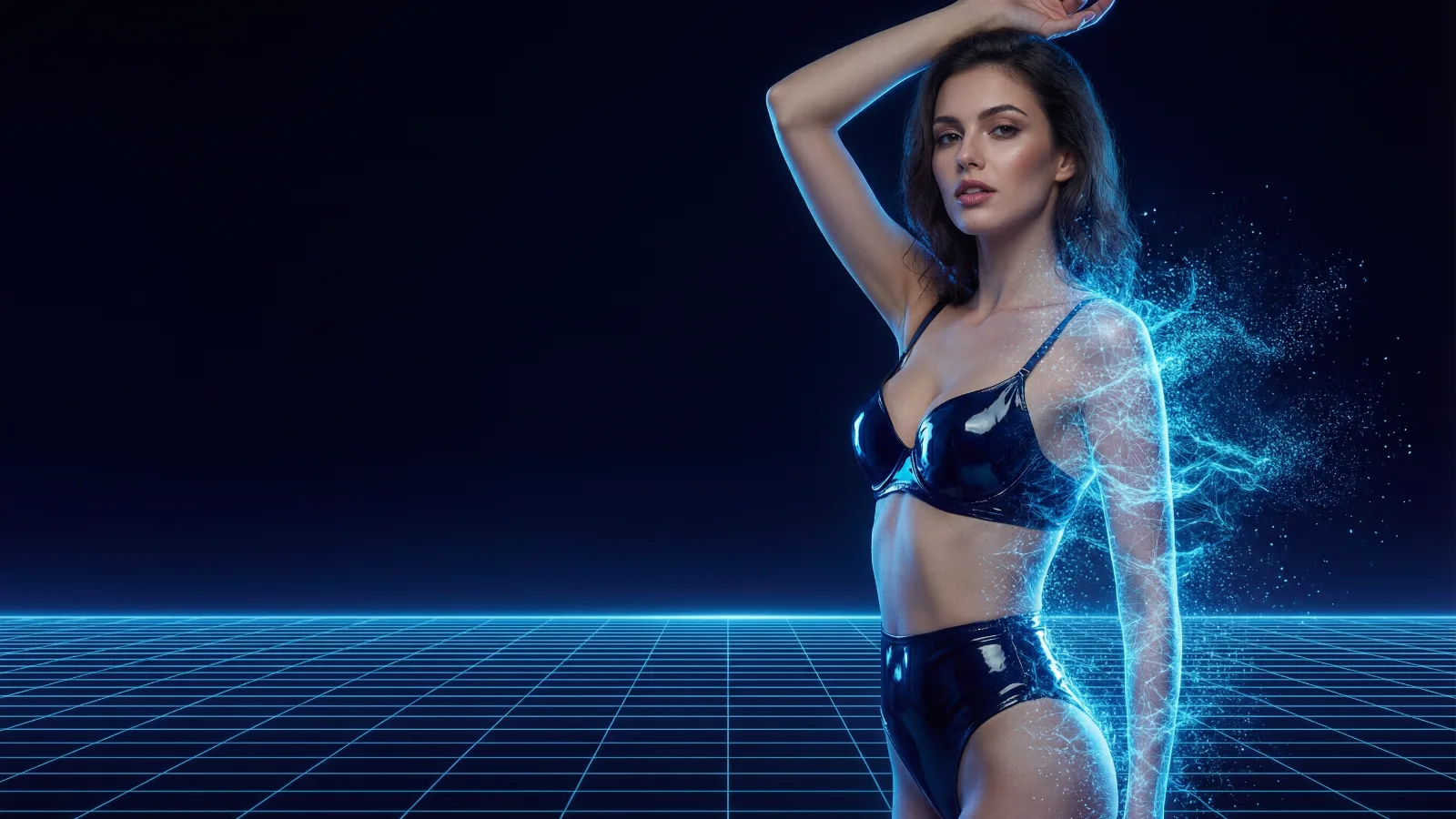
Image output
1K or 2K
Configurable image resolution.
Variations
Up to 10
Multiple images from one request.
Image editing
Up to 5 refs
Combine subjects, styles or scene cues.
Video output
Up to 15 sec
480p, 720p or 1080p options.
Model capabilities reviewed against the official xAI Imagine documentation in September 2026. Available controls may vary by interface and plan.
✦ Four practical workflows
Grok Imagine is most useful as a connected production tool rather than a one-click result. Each mode solves a different part of the process.
01 · Text to image
Describe the fictional adult character, pose, setting, shot type, light and visual style. Generate several alternatives when you want to explore composition before choosing a final direction.
02 · Image editing
Upload an eligible image and describe the change: wardrobe, background, framing, lighting or style. Multiple references can help combine visual traits, but they should be used only when you own them or have permission.
03 · Text to video
Describe the subject, action, environment and camera movement. This route offers more freedom, while image-to-video gives you more control over the opening composition.
04 · Image to video
The source image becomes the first frame. Describe movement and camera behavior rather than repeating every appearance detail. Subtle motion usually preserves the face and composition more reliably.
✦ Visual directions
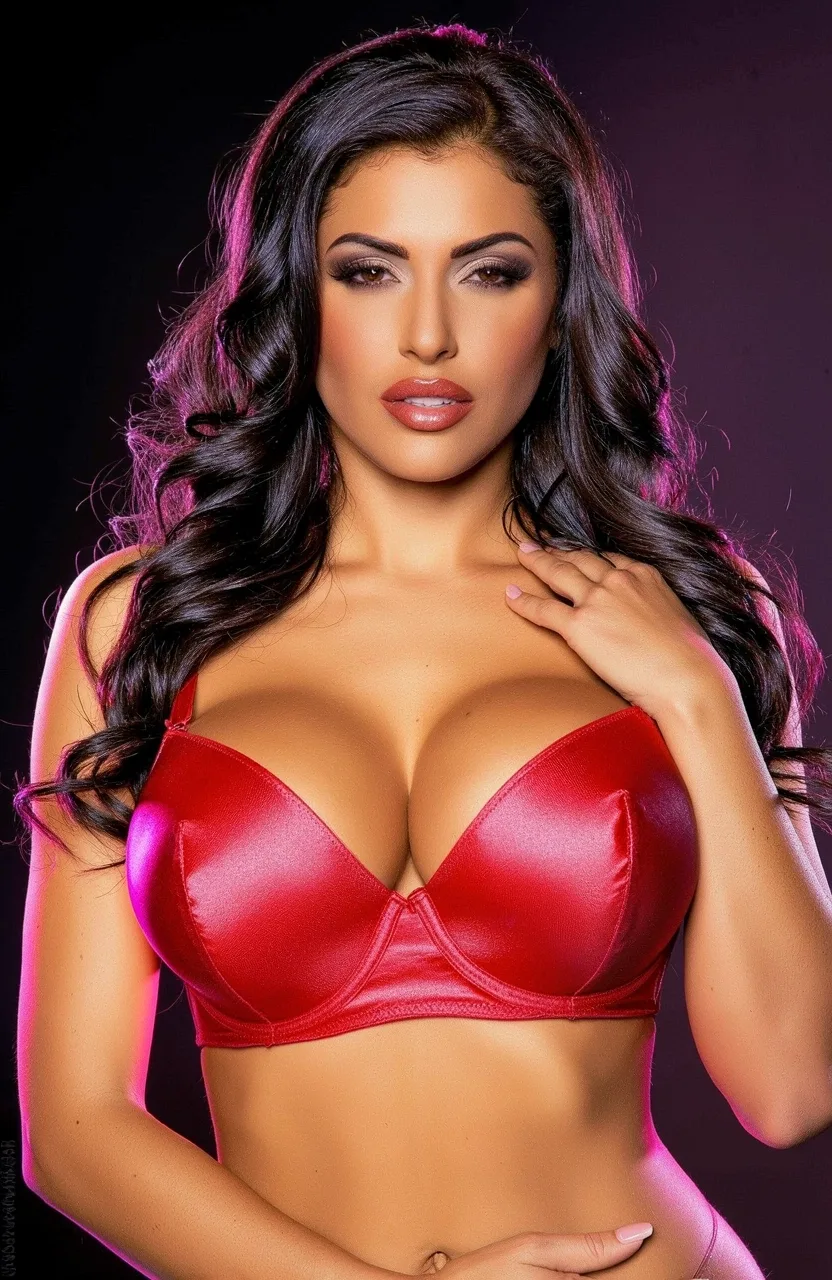
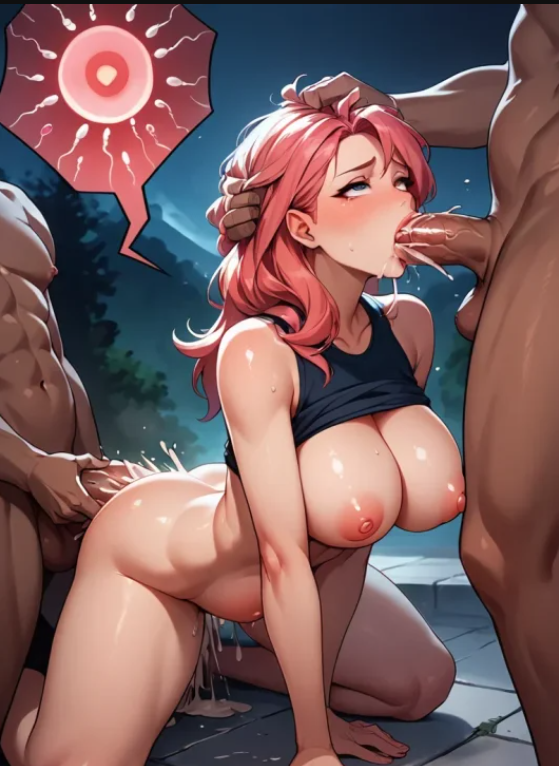
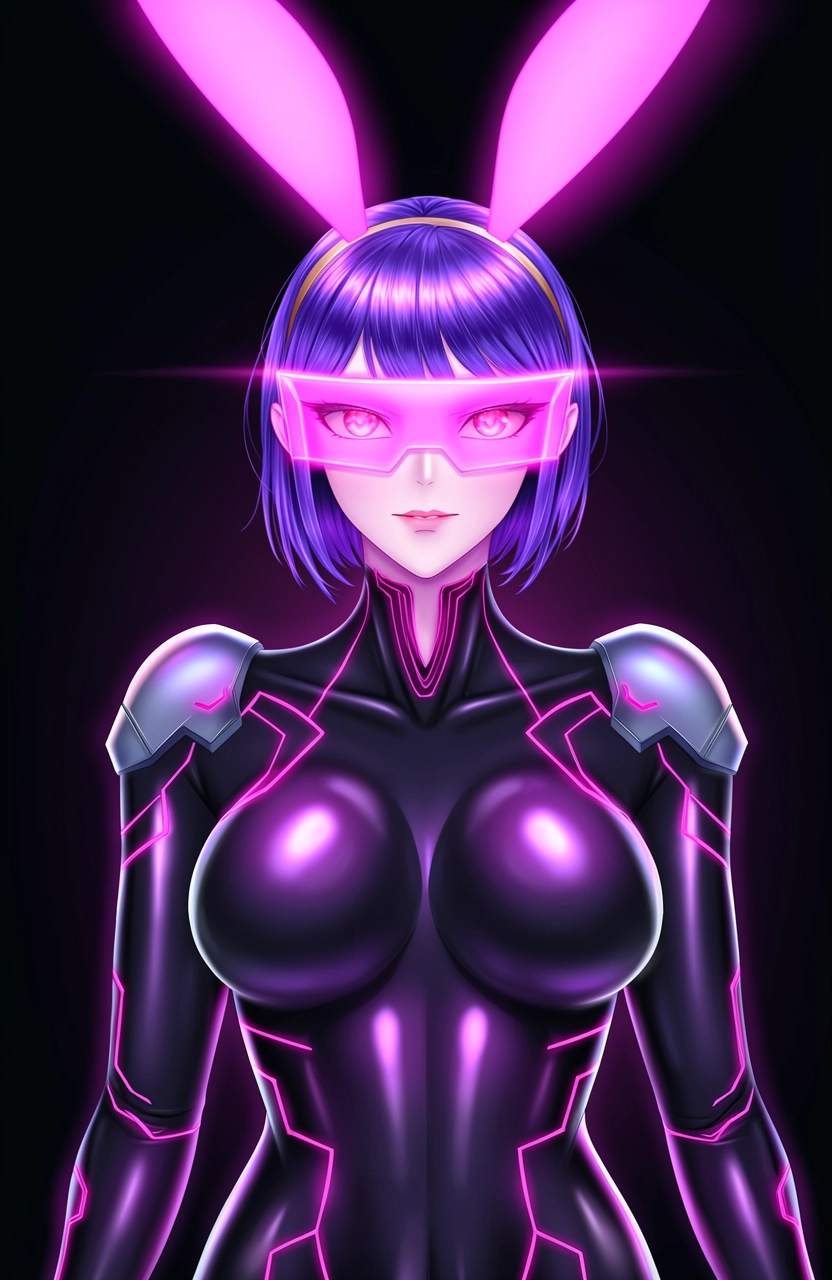
Explore photoreal, anime and cinematic directions without changing tools. State the intended medium in the prompt, then refine lighting, color and framing after you find a composition worth keeping.
✦ From idea to finished clip
Treat the first generation as visual exploration. Lock the strongest frame before spending time on detailed edits or animation.
Step 01
Decide whether you need a still image, an edited variation or a video. This determines what the prompt should describe.
Step 02
Specify the adult character, setting, pose, camera and style. Compare several versions and keep the composition that needs the fewest corrections.
Step 03
Ask for focused changes to anatomy, expression, clothing, light or background. Large rewrites can replace parts that already work.
Step 04
Use the final still as the opening frame and describe one main action, secondary movement and camera direction for the clip.
✦ A direct answer
Grok Imagine is an image-and-video generation system, not an official product category called a “Grok porn generator.” Whether a particular adult request is available depends on the interface, its moderation rules and the way the model is integrated.
On this site, the Grok Imagine workflow is presented for permitted fictional 18+ character creation. That includes generating a visual concept, revising an eligible image and animating an approved still within the platform's rules.
These search phrases refer to using Grok Imagine as part of an adult AI creation workflow. They do not mean every prompt will be accepted or that safety rules disappear.
Use fictional adults only. Never create minors or age-ambiguous characters, non-consensual material, sexual deepfakes of real people or content based on private images without permission.
✦ Prompt with a clear job
Write in this order: fictional adult subject, visible action, setting, framing, lighting and visual medium. Put essential details first.
State what must remain, what should change and how the new area should match the original light, perspective and style.
Describe motion, timing and camera behavior. Avoid changing the character's appearance unless transformation is the intended result.
Image: “Fictional adult character + action or pose + location + shot type + lighting + visual style.”
Video: “Main action + secondary movement + camera direction + pace + elements that must remain stable.”
✦ Choose it for the right reason
✦ Model questions
Grok Imagine is xAI's system for generating and editing images and videos. Its documented workflows include text-to-image, multi-image editing, text-to-video, image-to-video, video editing and video extension.
Adult-output availability depends on the interface, integration and applicable content rules. This platform uses Grok Imagine for permitted fictional 18+ creation; prohibited content and real-person sexual deepfakes are not allowed.
No. Grok Imagine is a general image-and-video model rather than a model built only for sexual AI content. Adult use depends on the product that provides access and the rules applied to it.
Yes. Describe the subject, scene, composition and style. The current documented image model supports configurable aspect ratio, 1K or 2K resolution and up to 10 outputs in a request.
Yes. Grok Imagine supports natural-language image editing and can use up to five reference images for tasks such as combining subjects, transferring a style or composing a scene.
Yes. In image-to-video mode, the uploaded still becomes the starting frame. A motion prompt controls the main action, secondary movement and camera behavior.
The current xAI documentation lists 480p, 720p and 1080p output with configurable duration up to 15 seconds. The options visible to you can depend on the product interface and plan.
It is useful when you already have a strong opening image and want a short animated continuation. Use restrained motion and a clear camera instruction to reduce unwanted changes between frames.
✦ Continue creating
✦ Start with the key frame
18+ · Fictional adults only · Use reference media responsibly