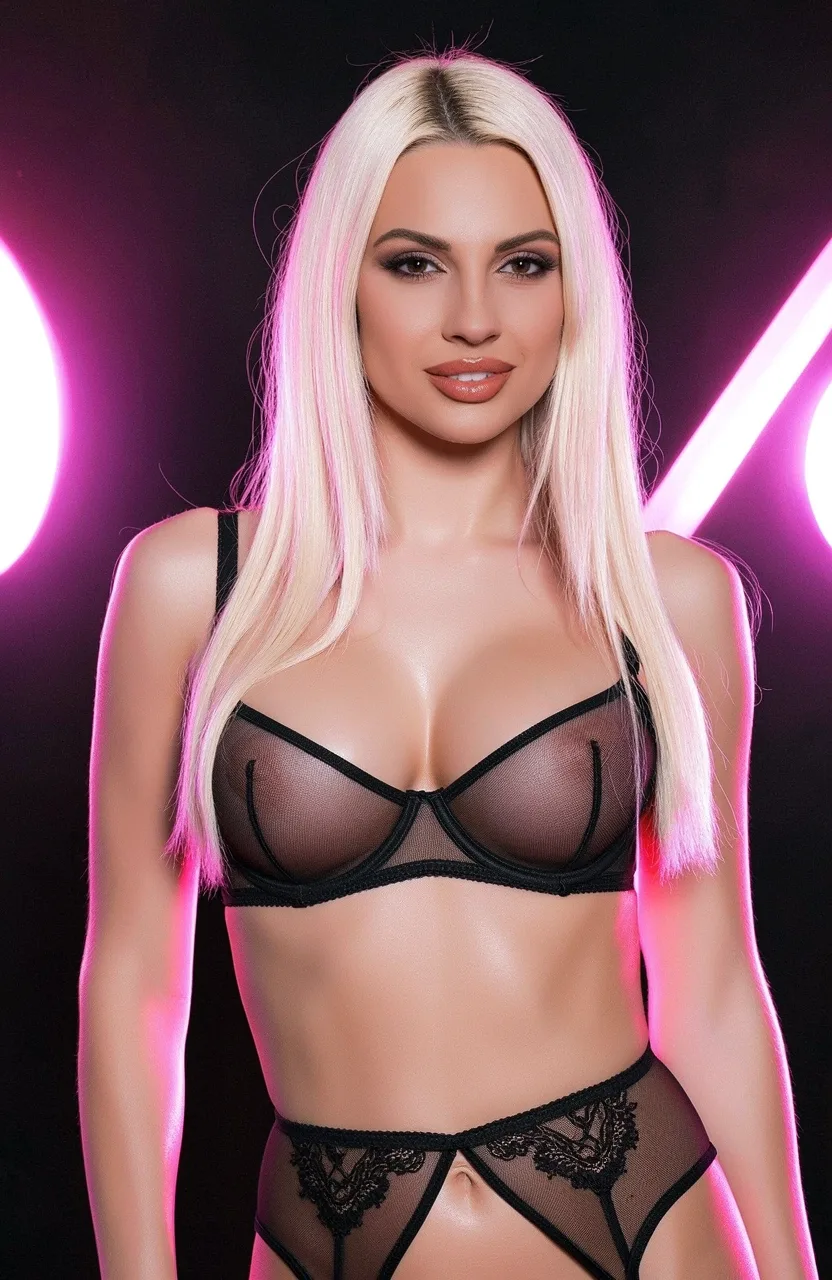
Step 01
Choose or create a character
Select a ready-made fictional adult for a quick start, or create a custom photorealistic or anime character with the appearance you prefer.
18+ · Private conversations with fictional adults
Choose a fictional adult character or create your own, define their personality and begin a conversation in the scenario you want. The porn AI chat responds to your messages in real time, follows the role you establish and can create matching images without taking you out of the conversation.
✦ A conversation you direct
The character provides the personality; your messages determine the direction. Set the relationship, pace, tone and boundaries before the scene begins, then adjust them naturally as you chat.
Select a ready-made fictional adult or define a new character's appearance, temperament, speaking style and relationship to you.
Begin with dating, fantasy, romance or another adult roleplay setup. A clear opening message gives the AI a location, roles and immediate situation to follow.
Keep the exchange playful and gradual or move to a more direct adult conversation. Your instructions and replies establish the pace.
The current chat keeps track of the scene, recent details and your choices, helping replies remain connected instead of feeling like isolated messages.
Ask for an image that matches the ongoing scene. Describe the outfit, pose, setting and framing so the visual request is clear.
Continue with the same fictional character through AI-generated images or turn a selected still into an AI video.
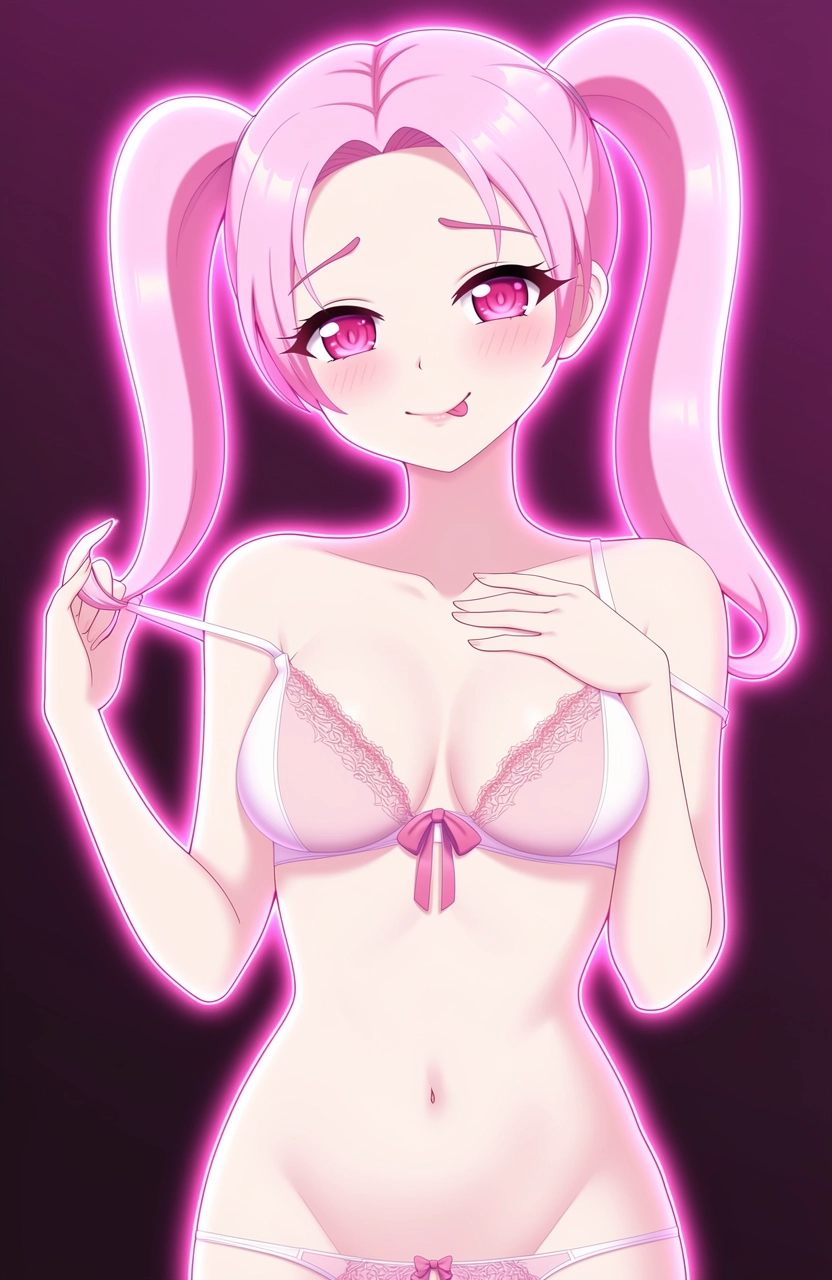
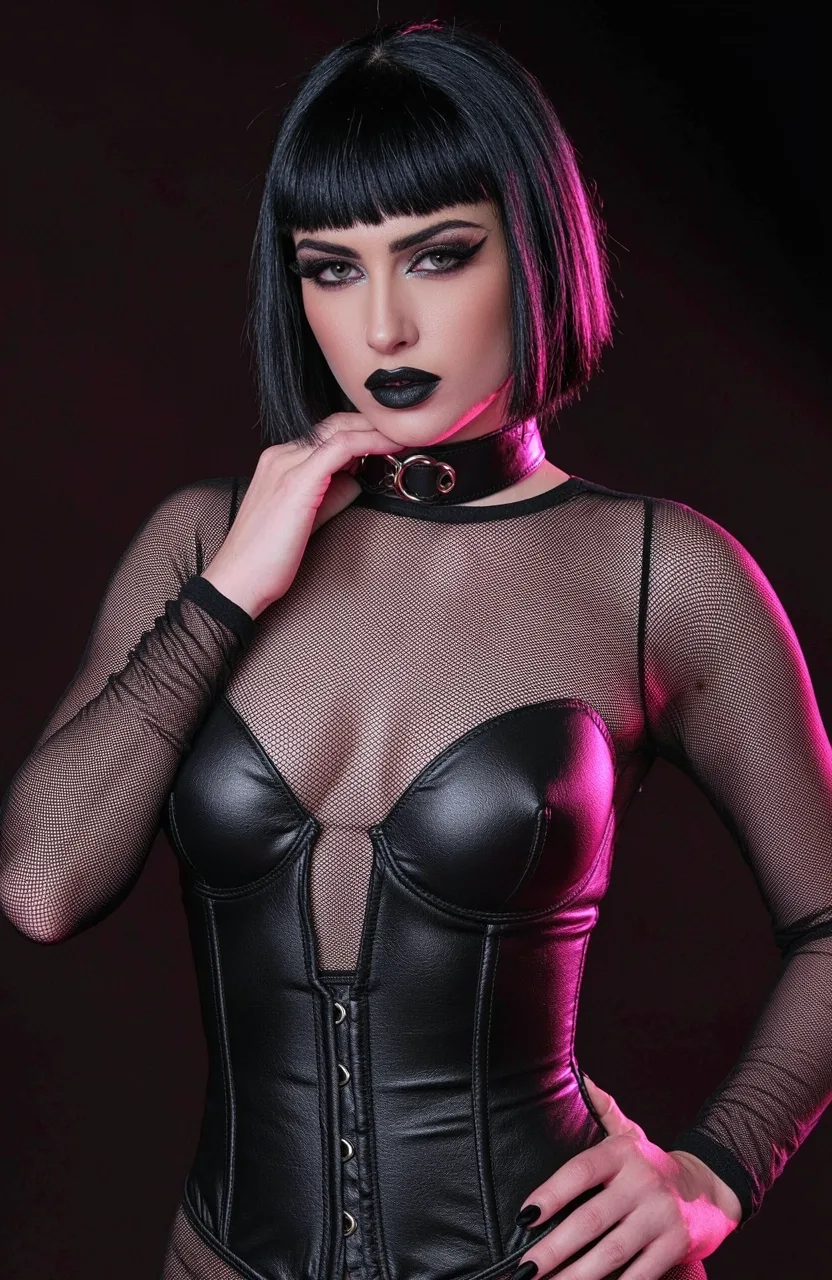
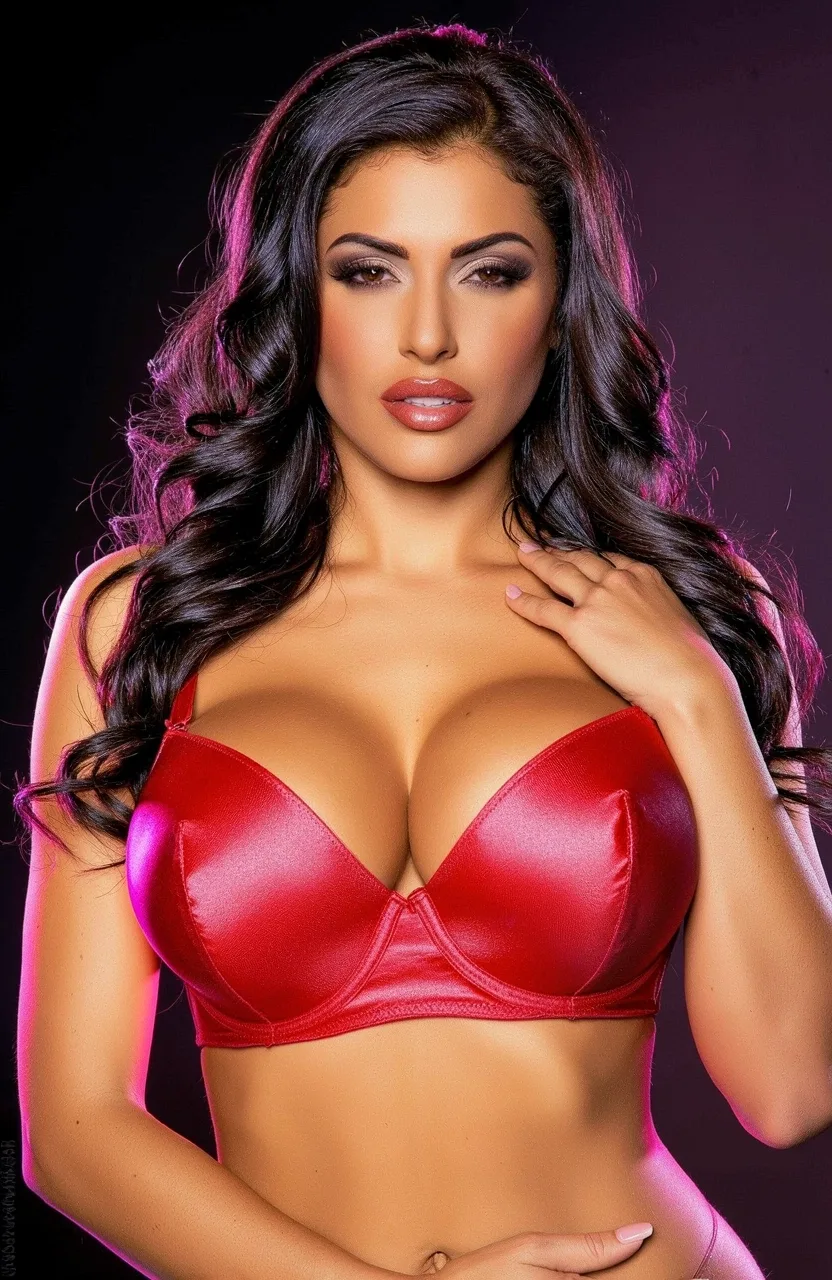
Choose a character or create a fictional adult from scratch
✦ Simple by design
You do not need to write a complicated character profile. Start with the few choices that shape the conversation, then add details while you talk.
Step 01
Select a ready-made fictional adult for a quick start, or create a custom photorealistic or anime character with the appearance you prefer.
Step 02
Choose how the character speaks, behaves and responds. Add the relationship, preferred tone and any boundaries that should shape the roleplay.
Step 03
State where the scene begins, who each person is and what is happening now. Then chat normally and steer the story with actions, dialogue or direct instructions.
Step 04
Correct the tone if a reply misses your intent, continue the current thread or request an image that reflects the scene. A saved conversation makes it easier to return to the same setup later.
✦ Responsive, not prewritten
A scripted chatbot chooses from prepared lines. Conversational AI generates a new response using the character profile, recent messages and current scene. That makes the exchange flexible: you can change location, slow the pace, introduce a new situation or ask the character to respond differently.
Clear messages still matter. When you specify actions, dialogue and tone separately, the character has less room to misunderstand the direction.
A defined personality gives the chat a stable starting point. You can return to the same character for a new scenario rather than rebuilding their appearance, mannerisms and relationship each time.
All characters must be fictional adults. Do not create minors or age-ambiguous characters, non-consensual scenarios, impersonations of real people or sexual content based on private material without permission.
✦ Get more natural replies
The best instructions are specific enough to establish the scene but short enough to leave room for a response. You can correct direction at any point instead of placing every detail in the first message.
Describe what is happening now, not the entire backstory. Location, relationship and one clear action are often enough to begin.
Use dialogue for what you say and short action cues for what you do. Direct instructions can clarify tone, length or point of view.
If the reply is too long, too fast or out of character, correct that specific issue. Focused feedback is easier for the chat to follow.
For an image, name the character, clothing, pose, setting, camera angle and style. Keep the request consistent with the current scene.
Want to continue outside the conversation? Create a standalone AI porn image or animate a selected frame with the AI porn video generator.
✦ Before you start
It is a conversational AI experience built for private adult roleplay with fictional characters. You choose or create a character, establish the relationship and scenario, then guide the conversation through your messages.
A general chatbot is designed for broad questions and tasks. Porn AI chat is structured around fictional adult characters, relationship context and roleplay, with controls for personality, tone and scenario.
Yes. Define an original adult character's appearance, personality, speaking style and relationship to you. You can also begin with a ready-made character and focus only on the scenario.
The chat uses the active conversation and saved context to keep the scene connected. Important details are still worth stating clearly, especially when starting a new thread or returning after a long break.
Yes. Request an image and describe the intended outfit, pose, location, framing and style. The visual can follow the current roleplay or start a separate scene.
Give the character a clear role, establish the immediate situation and show the tone you want in your own message. If a reply misses the direction, correct one specific issue instead of restarting the entire conversation.
Use fictional adults only. Minors or age-ambiguous characters, non-consensual scenarios, sexual impersonations of real people and misuse of private material are not allowed.
✦ Your character, your scenario
18+ · Fictional adult characters only