01 · Anime
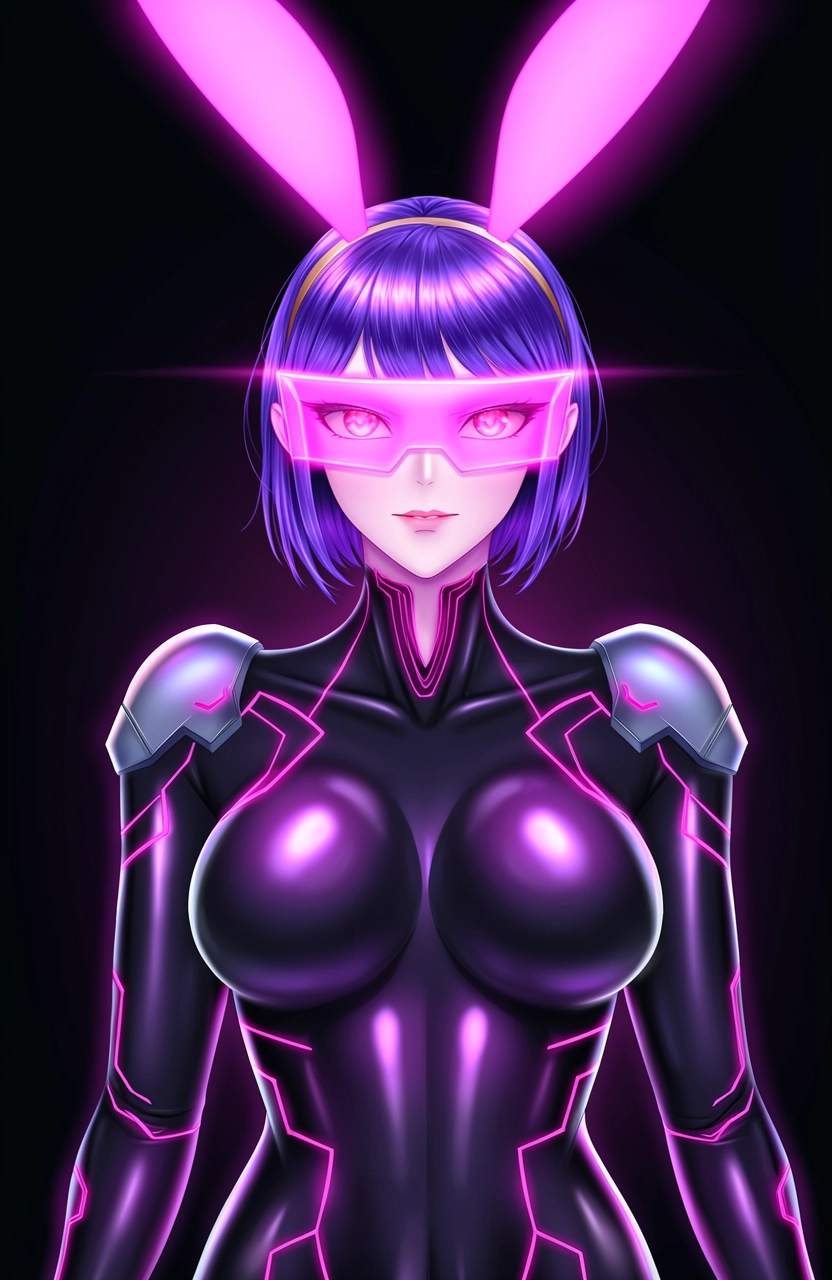
Create polished anime characters
Specify cel shading, line weight, palette, expression and background treatment for a deliberate illustrated result.
Alibaba Cloud · Wan visual generation
Wan is Alibaba's visual-generation family for image and video creation. On this platform, Wan is positioned as the style-forward image option for anime, illustrated fantasy, neon sci-fi and other fictional adult character concepts.
Current Wan Image releases also support photoreal generation and image editing. Use clear art-direction language—medium, linework, palette, rendering and atmosphere—to keep stylized results intentional.
Developer
Alibaba
Available through Alibaba Cloud Model Studio.
Current image family
Wan Image
Standard and Pro model directions.
Core modes
Generate + edit
Text prompts and image-guided revision.
Best for
Style control
Anime, fantasy and cinematic concepts.
Wan model specifications vary by release, region and interface. Platform output limits and content rules apply separately.
✦ Four practical workflows
Wan works well when art direction is part of the prompt rather than an afterthought. Name the medium first, then describe character and scene.
01 · Anime
Specify cel shading, line weight, palette, expression and background treatment for a deliberate illustrated result.
02 · Fantasy
Build elves, demons, sci-fi heroes and stylized settings with material, costume and atmosphere cues.
03 · Editing
Use image editing to update color, environment, wardrobe or rendering style while retaining the chosen composition.
04 · Motion handoff
The broader Wan family includes image-to-video. Start with a strong still, then move to the video workflow exposed by the platform.
✦ Visual directions
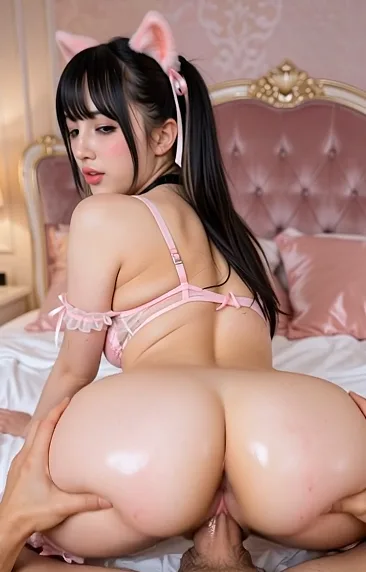
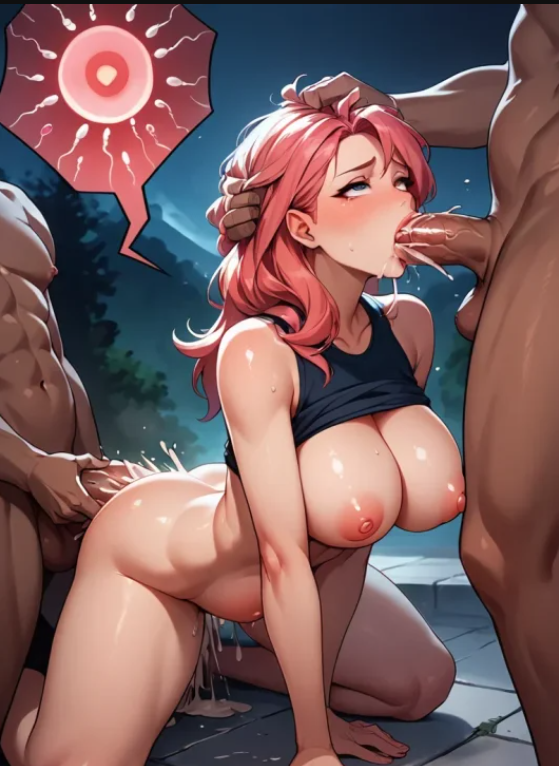
The site's image library already contains clear examples for Wan's style-driven workflow.
✦ From medium to final art
Step 01
Lead with anime, manga, painterly fantasy, 3D or cinematic illustration.
Step 02
Describe the clearly adult subject, costume, pose and distinctive traits.
Step 03
Add camera angle, environment, light, palette and rendering detail.
Step 04
Edit the strongest image or use it as the opening frame for video.
✦ Choose it for the right reason
✦ Model questions
Wan is Alibaba's family of visual models for image generation, image editing and several video-generation workflows.
Yes. Wan models are developed by Alibaba and provided through Alibaba Cloud Model Studio and Wan's own interfaces.
Yes. Wan supports artistic styles as well as photoreal effects. Strong medium and palette instructions help keep anime results coherent.
The broader Wan family includes image-to-video models. Availability and controls depend on the interface and selected Wan version.
✦ Continue creating
✦ Choose a visual language
18+ · Fictional adults only · Review every result